User Guide Contents
Voice Mode
Hands-free, real-time medical conversations — speak your clinical question and hear evidence-backed answers read aloud.
What is Voice Mode?
Voice Mode enables hands-free, real-time medical conversations on OpenEvidence. Simply speak your clinical question and hear evidence-backed answers read aloud — no typing required. It's designed for the moments when your hands are occupied: between patients, during rounds, while reviewing charts, or on the go. Voice Mode is available on both web and the mobile app.
Starting a session
Tap the orange waveform icon in the query bar to start a voice session. OpenEvidence will listen, process your question, and read the answer back to you.
Try it now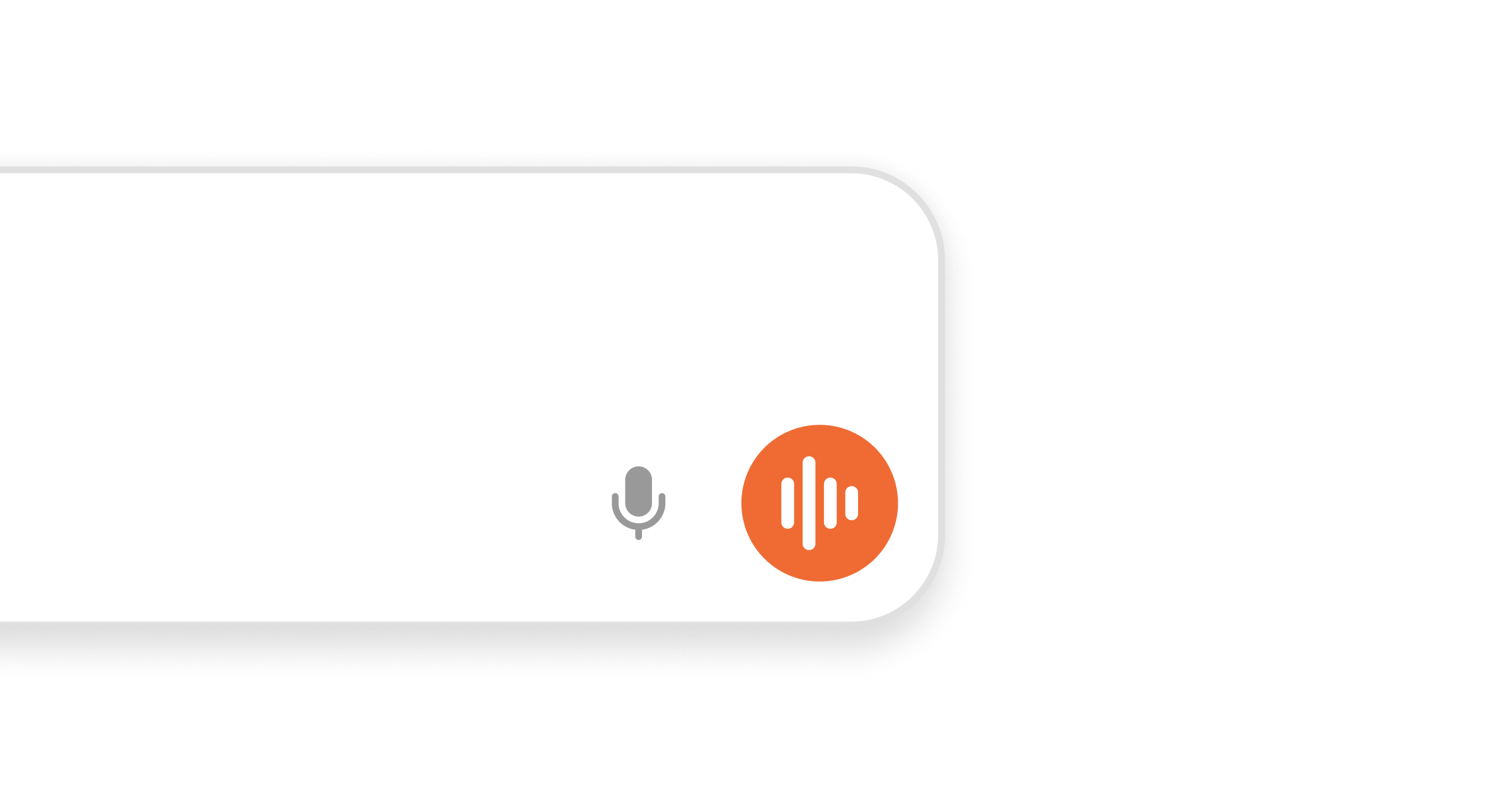
During a conversation
Ask your question naturally, just as you would with a colleague. While a session is active:
- Interrupt anytime. No waiting for the system to finish — jump in mid-answer to redirect, refine your question, or move on.
- Tap to mute. In noisy environments — the ED, a busy clinic, the cafeteria — tap mute to pause the mic until you're ready to speak.
- Ask follow-ups. The conversation carries context forward, so you can drill into a topic naturally.
- Prefer to read? Tap the microphone icon to dictate a question as text instead of a full voice conversation.
- End the session. Tap the X or say "goodbye" to end the conversation.
Quick, concise answers
Voice answers are concise and conversational — optimized for listening, still grounded in the same clinical evidence and references. Every voice conversation has a written transcript with references alongside it, so you can refer back to it anytime.