User Guide Contents
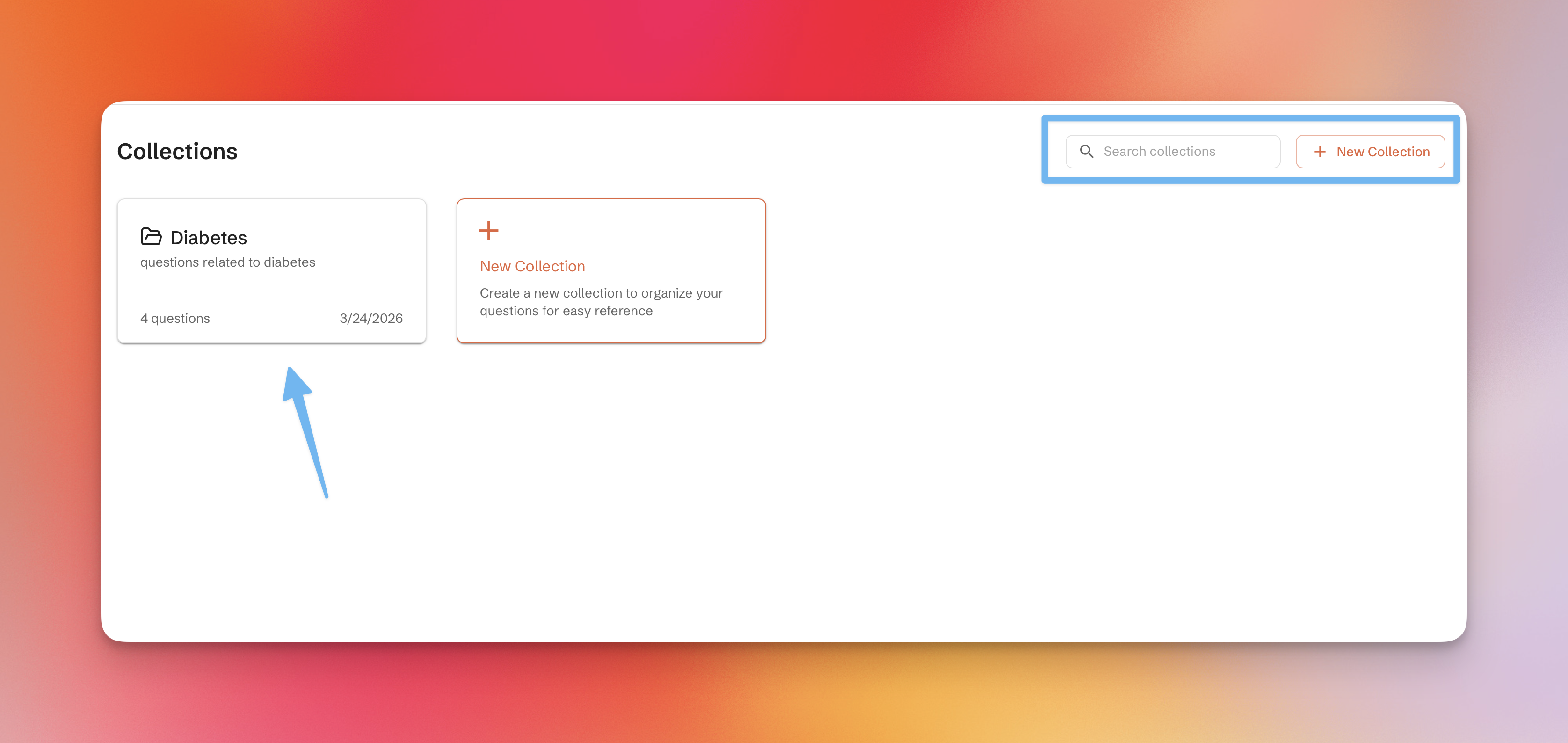
Collections
Save and organize questions and answers into folders for easy access — great for patient cases, literature reviews, or any topic you want to revisit.
Accessing collections
Collections are accessible from the sidebar under the Collections tab.
Adding a question to a collection
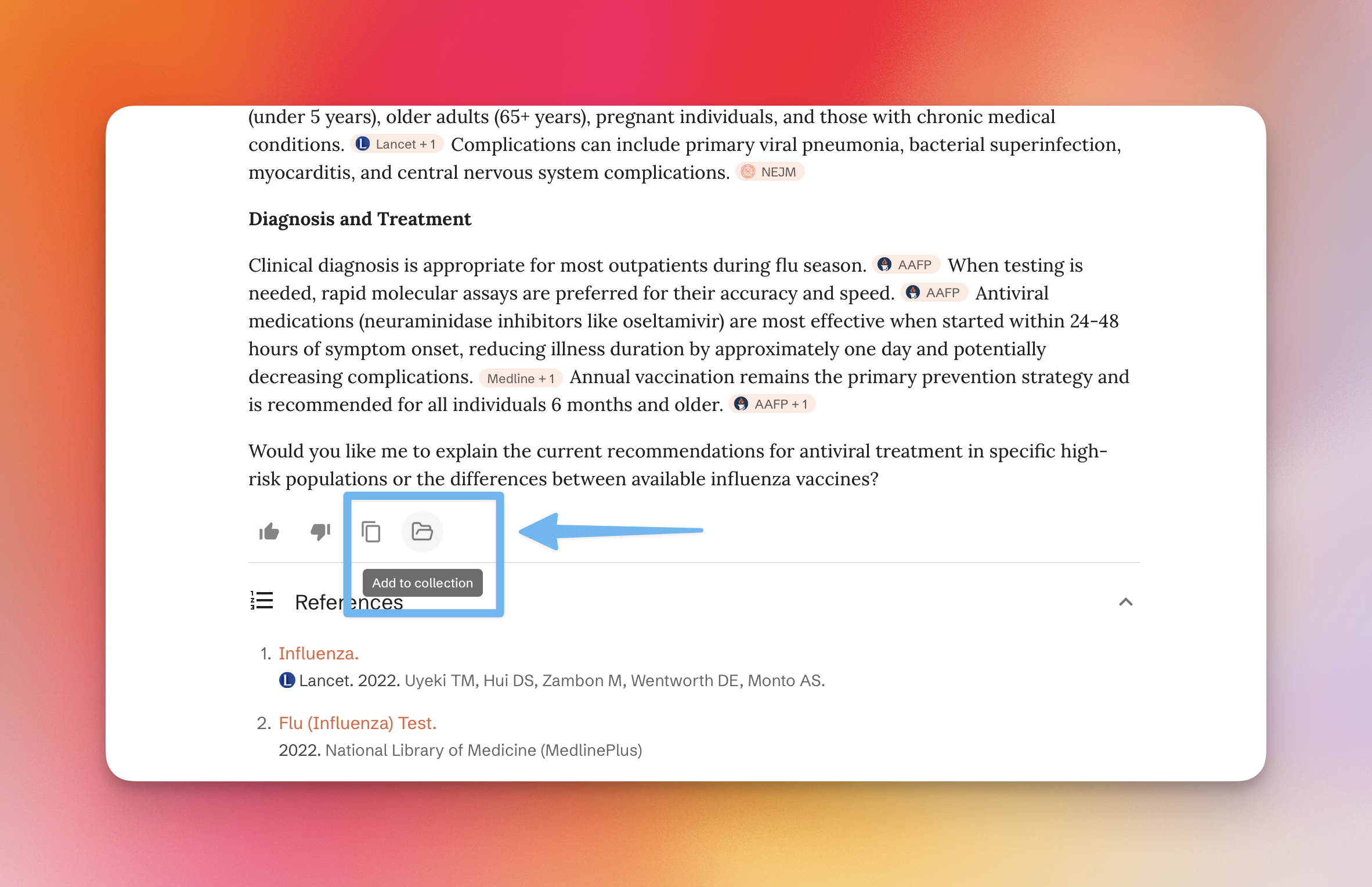
After any answer is generated, click the folder icon below the response (before the references) to add it to a collection.
Creating a collection & managing questions
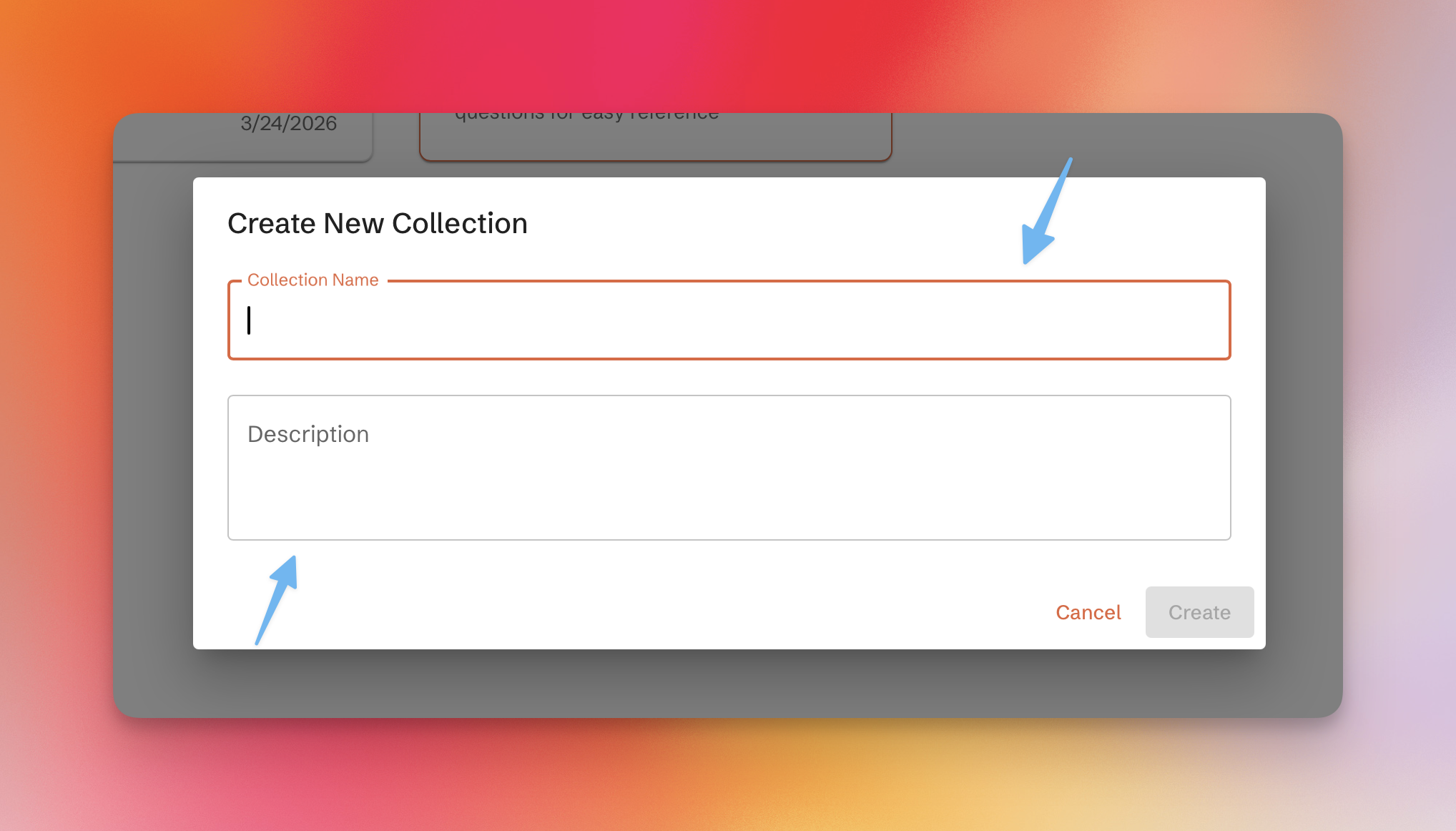
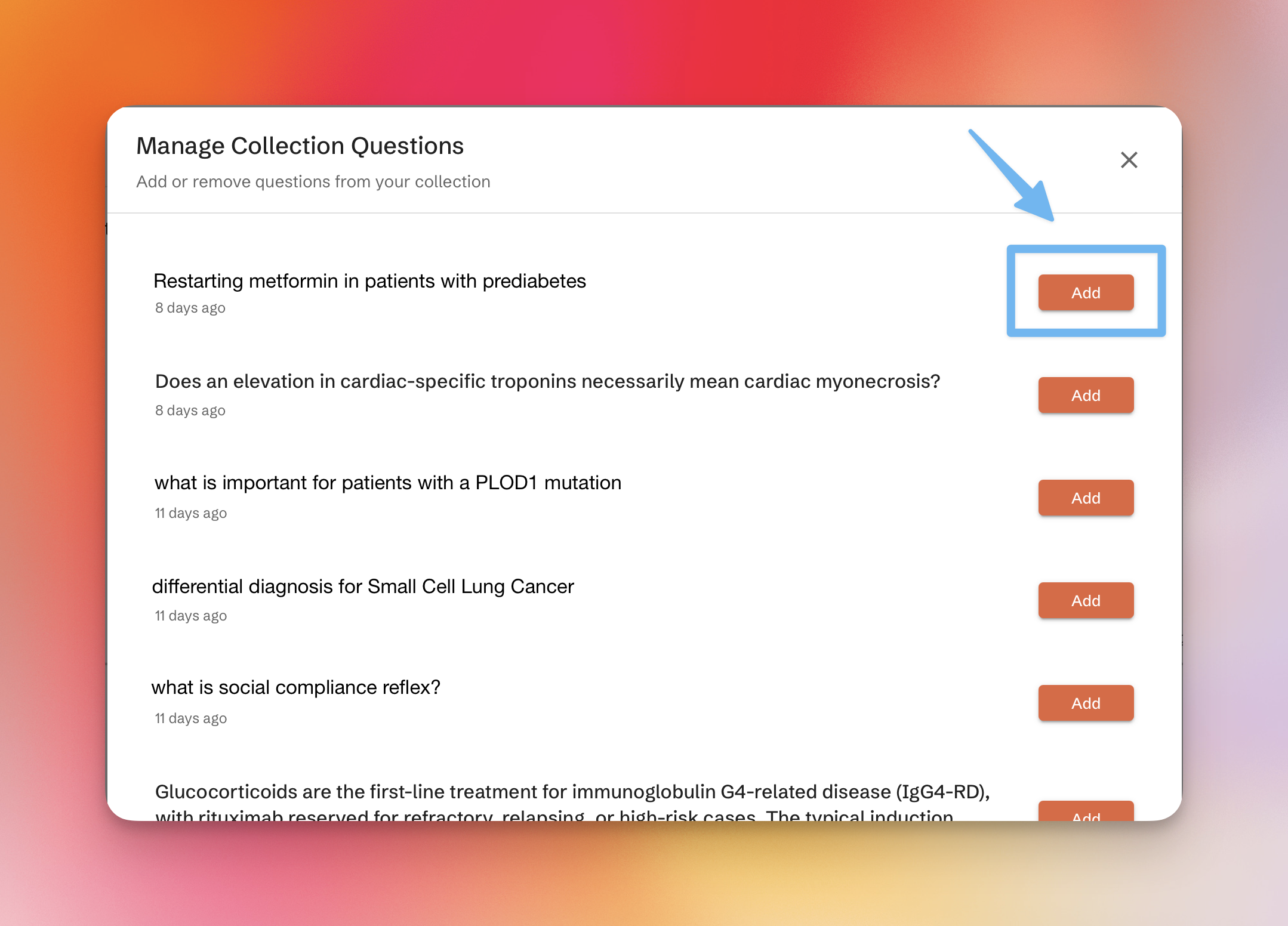
You can also add past questions to a collection at any time. Create a collection, then click "Manage Collection" to see all your past questions with a one-click add.
Organizing & sharing
Click the three-dot menu on a collection card to edit its title and description. From there you can also:
- Share a collection with others
- Mark a collection as public (for collections containing no PHI)
- Search within a collection for a specific question or answer