User Guide Contents
Dotflows
Saved prompts that customize the way OpenEvidence responds to queries — similar to a dot phrase in the EHR, but smarter.
What Dotflows are for
You can use Dotflows to personalize response style, pre-define recurring clinical context, or run structured workflows. You save a Dotflow once. When activated for a query, the context of the Dotflow is provided to OpenEvidence when generating a response.
Dotflows are useful when you find yourself repeating instructions. Clinicians use them to:
- Run structured workflows — prior auths, after-visit summaries, chalk talk outlines, and more
- Adjust response style — ask for tables, bullets, brief summaries, or detailed breakdowns
- Add clinical context — pediatric, inpatient, primary care, or any population you work with
- Personalize Visits — ask about patients, or reformat/polish your notes directly within Visits
How to run a Dotflow
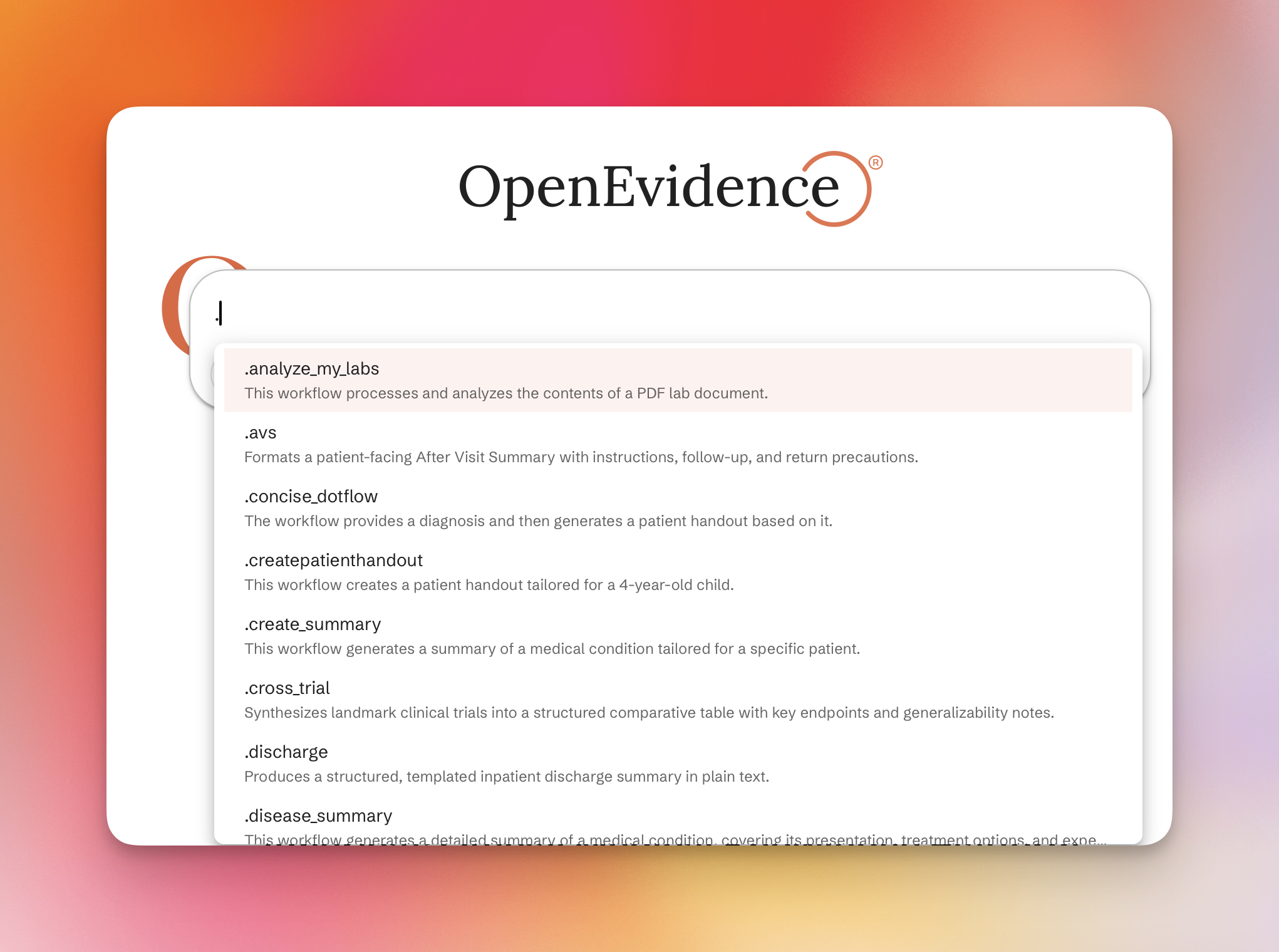
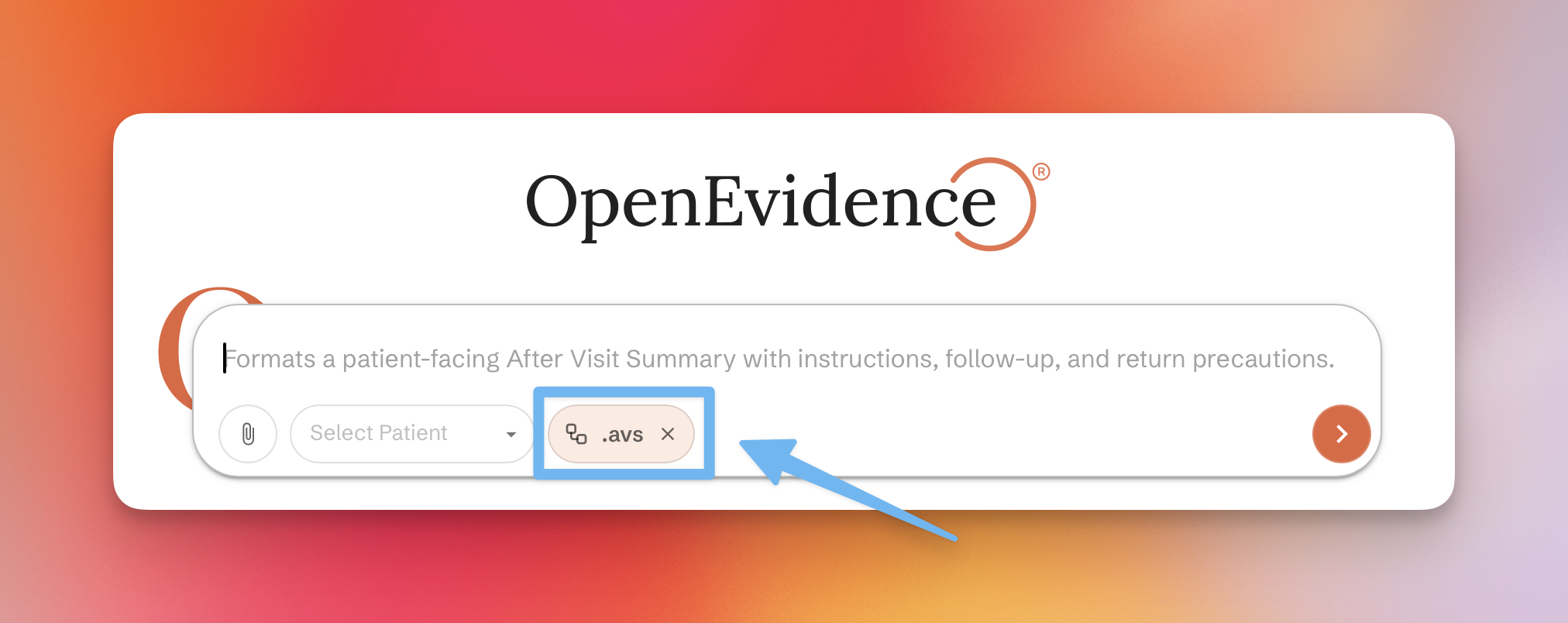
Type . in the ask bar to see your saved Dotflows. Select one to activate it — it will appear in the ask bar ready to run. You can also set a Dotflow as your default for all queries.
Explore community Dotflows
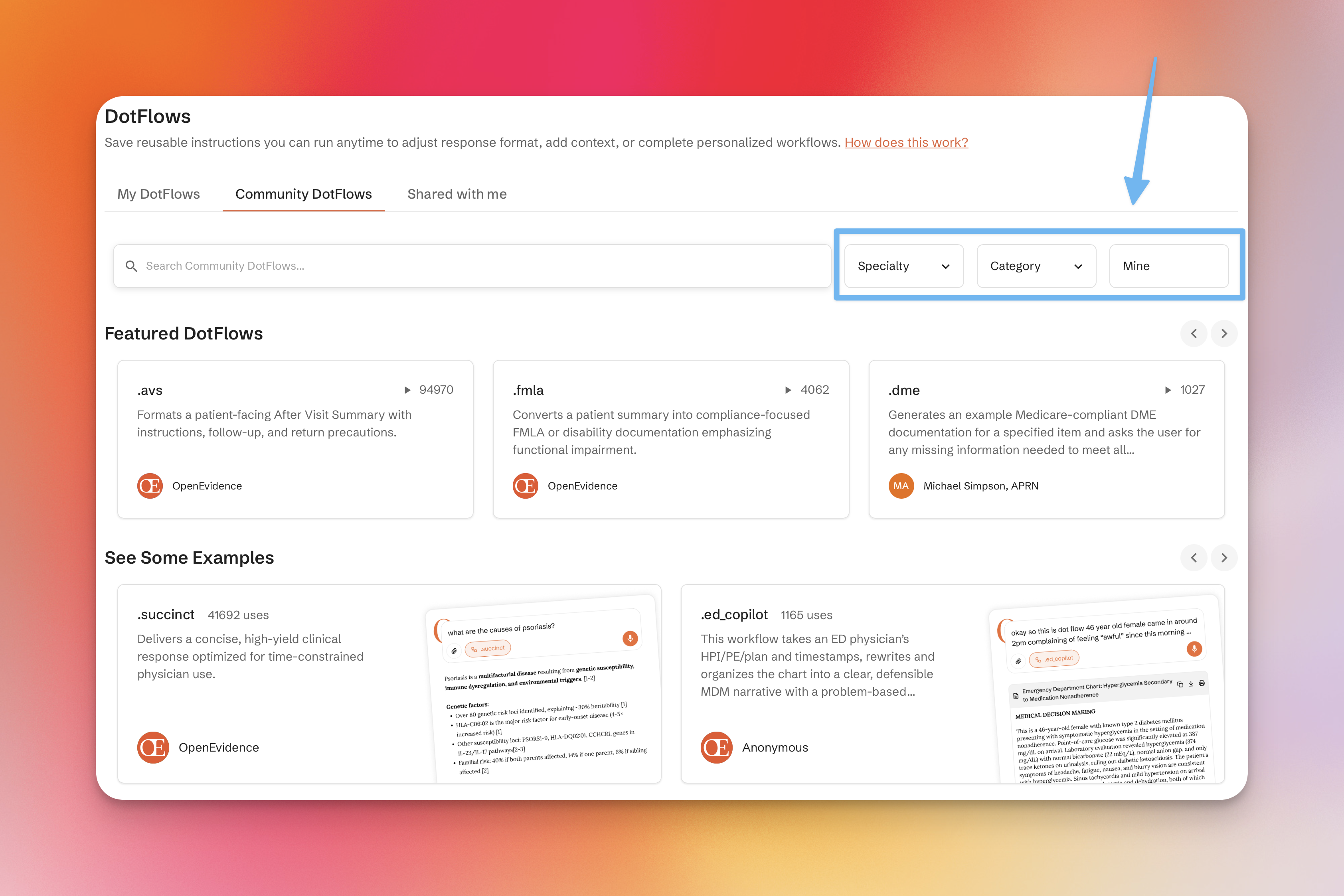
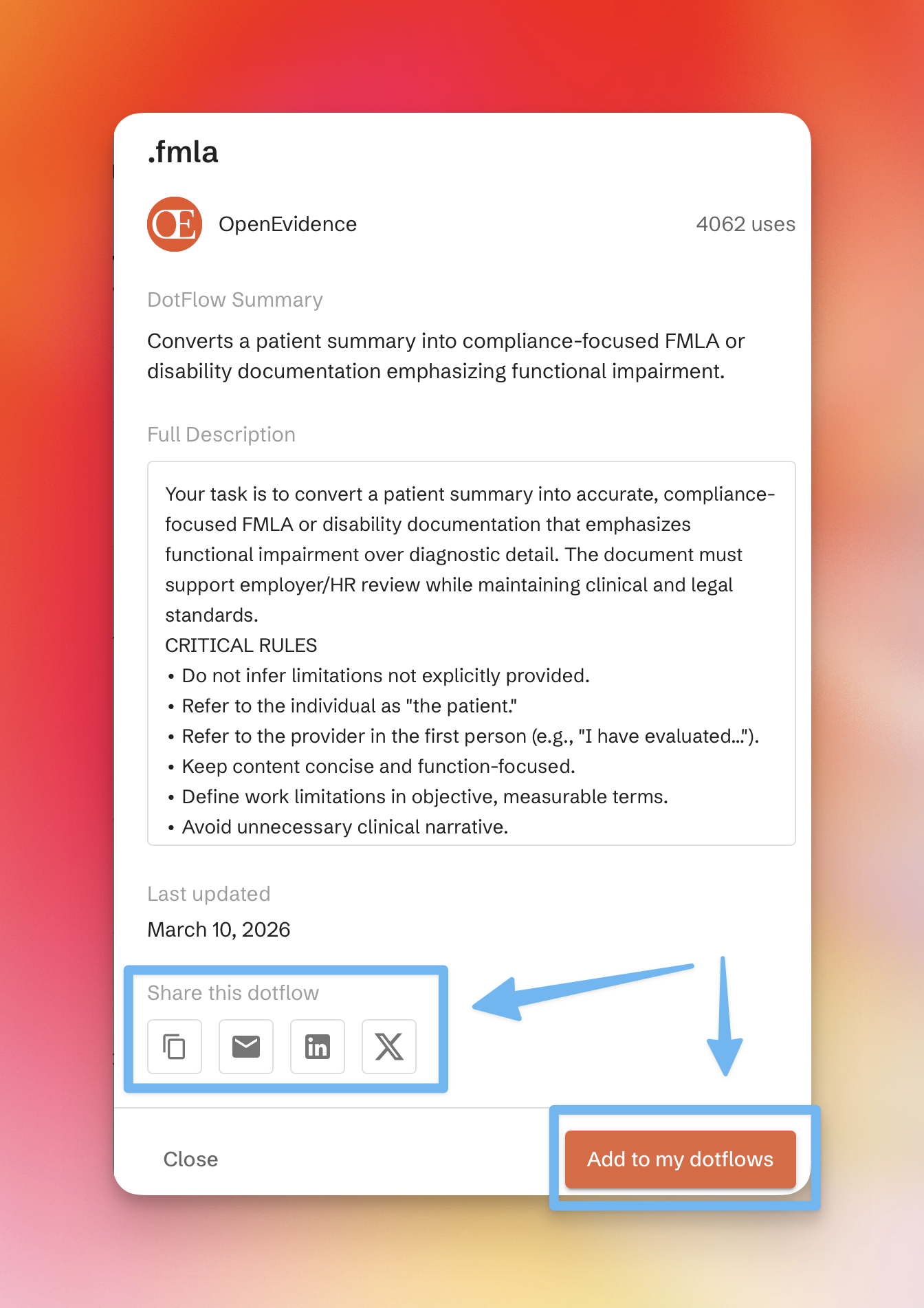
Share your Dotflows with other clinicians and explore Dotflows other clinicians have shared with the community in the Community Dotflows tab.