User Guide Contents
Visits
Record encounters, generate clinical notes, and surface real-time decision support — on web and mobile.
Watch the walkthrough
A walkthrough of OpenEvidence Visits with Ania Bilski, MD — OpenEvidence
Four Easy Steps
Step 1
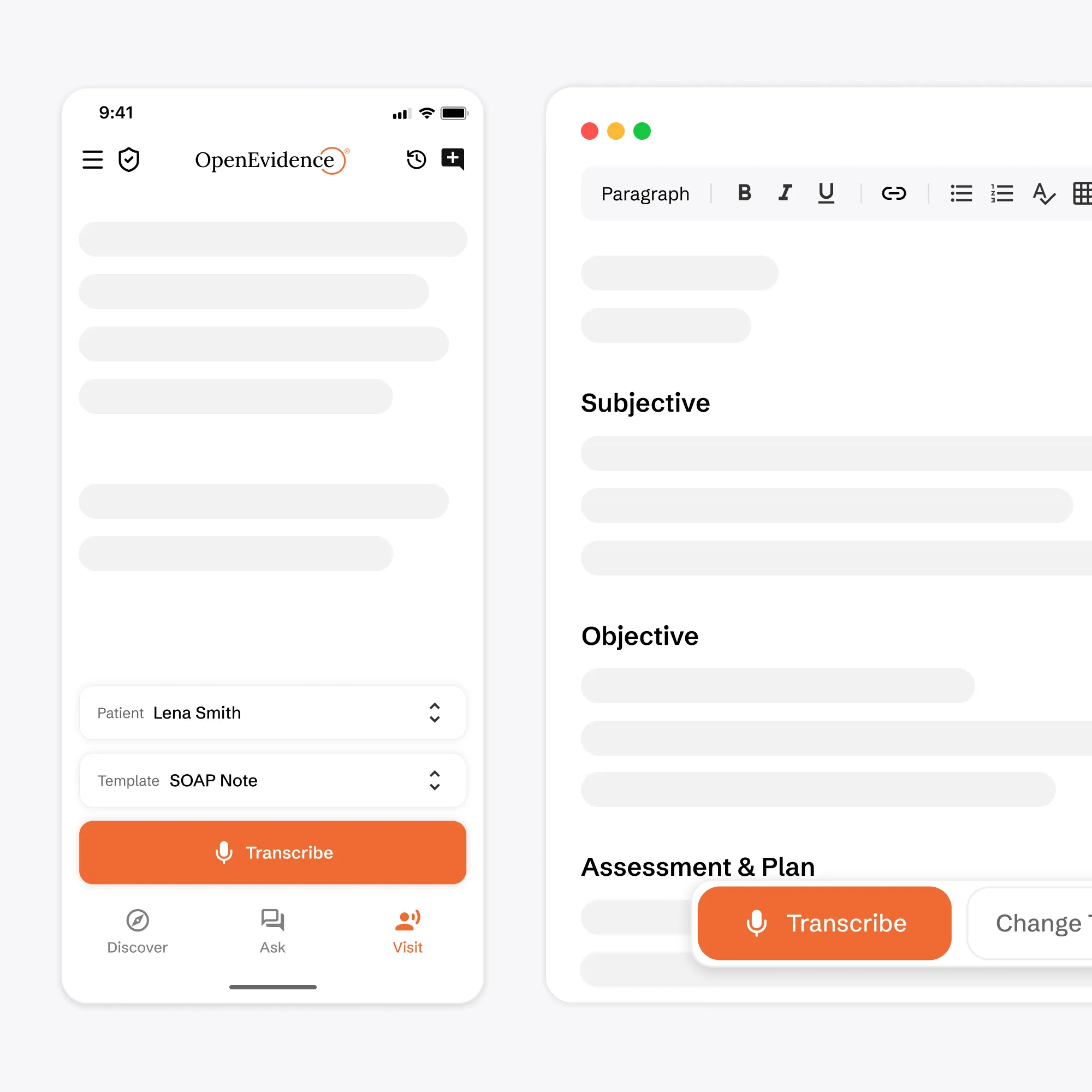
Transcribe your Clinical Encounter
Click 'Transcribe' and record your encounter on the app or web
Step 2
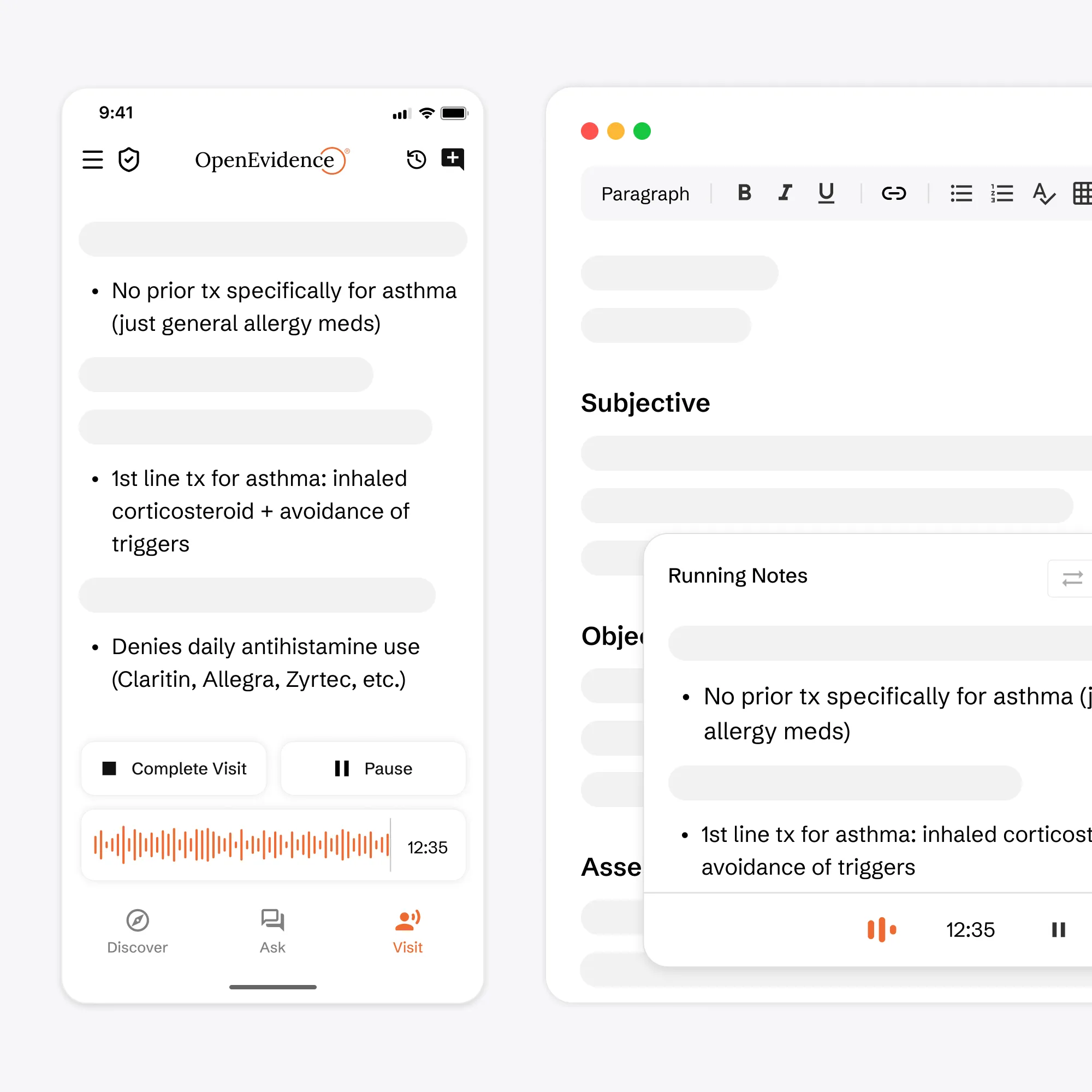
Automatic and Instant Note Generation
Watch as your note is transcribed and generated
Step 3
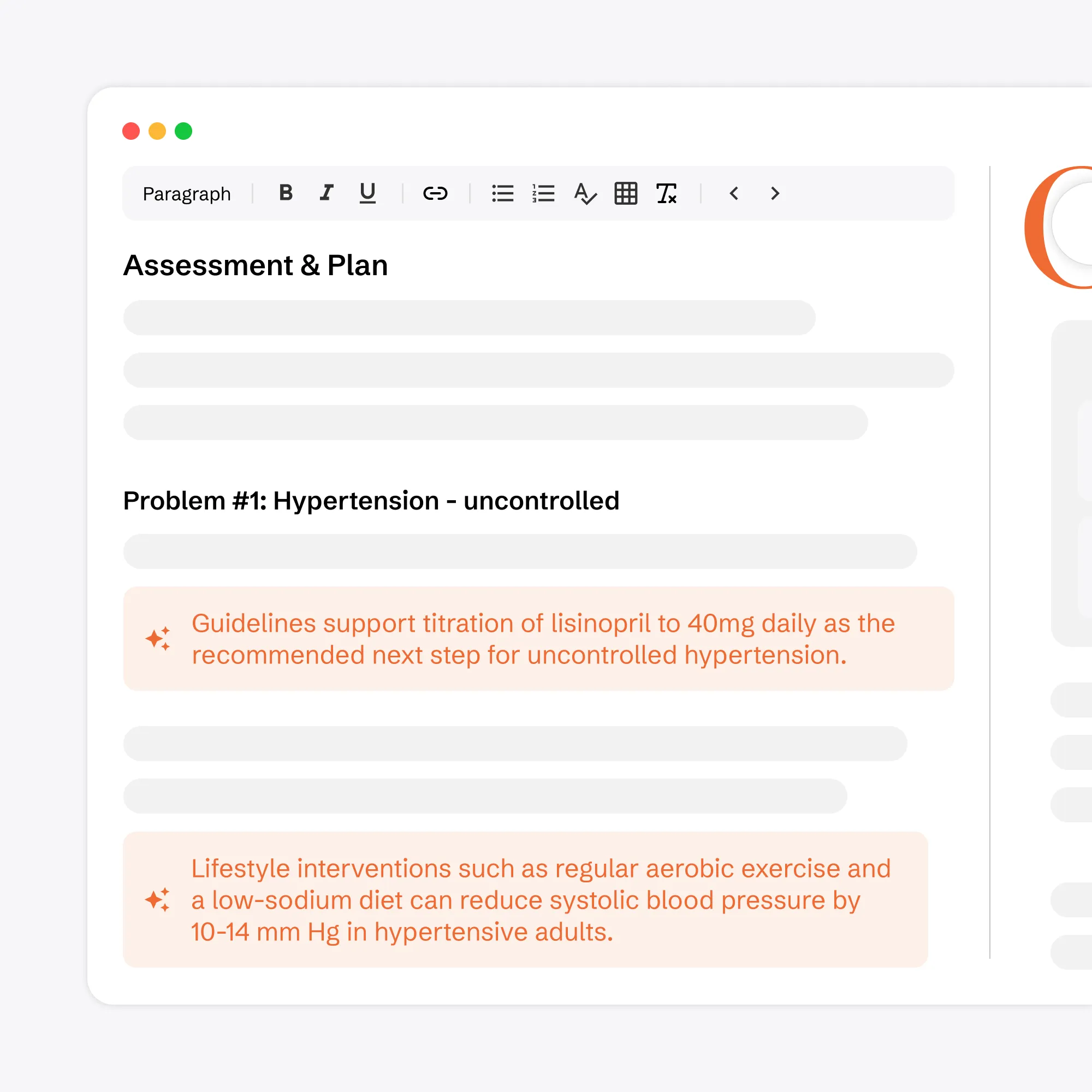
Review Evidence-Backed Notes
View your generated clinical note, enriched with evidence
Step 4
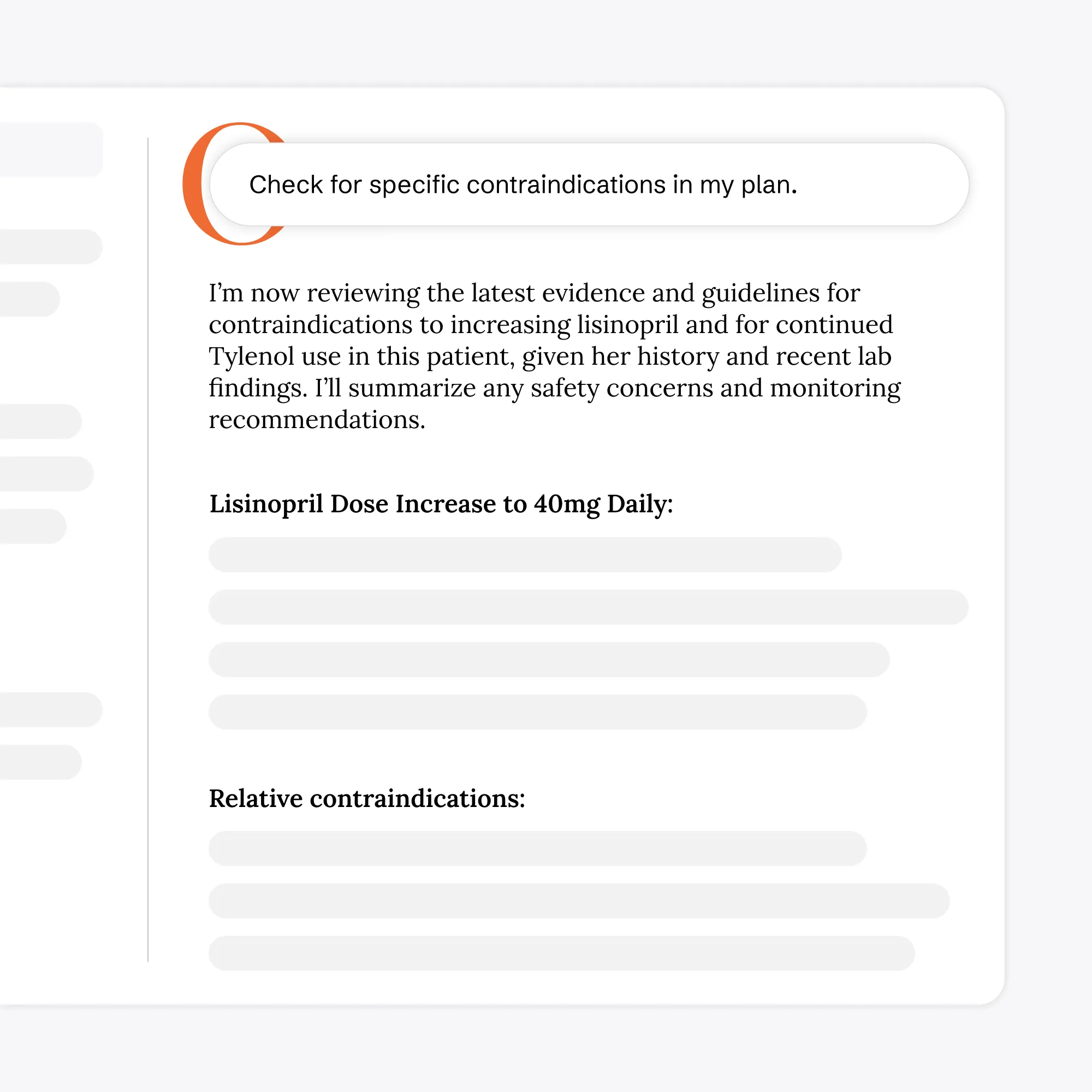
Engage with your Clinical Note
Ask questions and interact with your note via OE Intelligence
Private and Secure
HIPAA & SOC2 Compliant
All data is handled in accordance with healthcare compliance standards.
Configurable Data Deletion
Audio and note data deletion can be configured in your settings.
Responsible AI Infrastructure
We do not train AI models on protected health information.