User Guide Contents
Messages
Send text messages to patients directly from OpenEvidence, with consent controls built in.
Starting a message
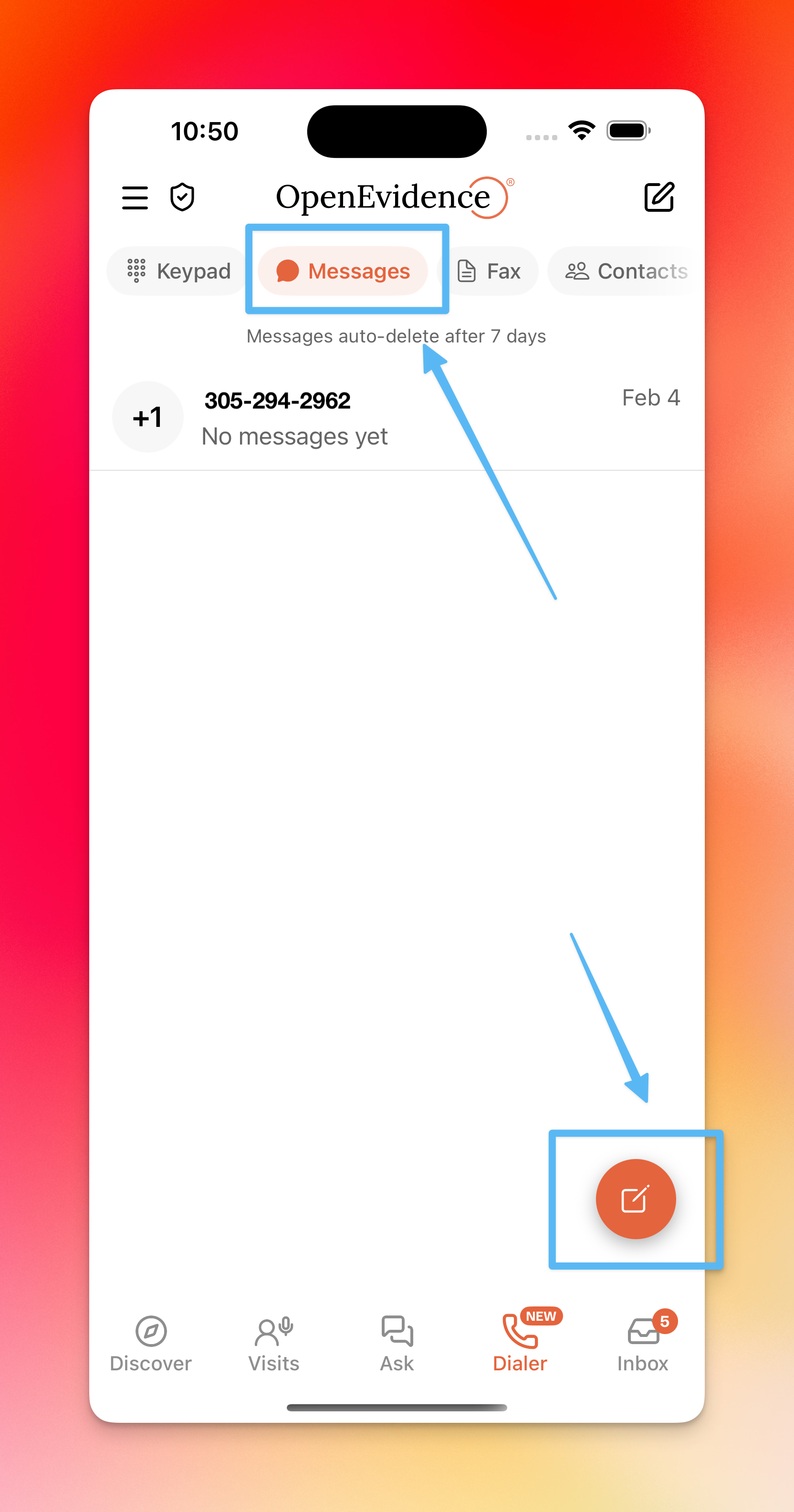
Go to the Messages tab (messaging icon in the top header). Tap the orange button in the bottom right to start a new message.
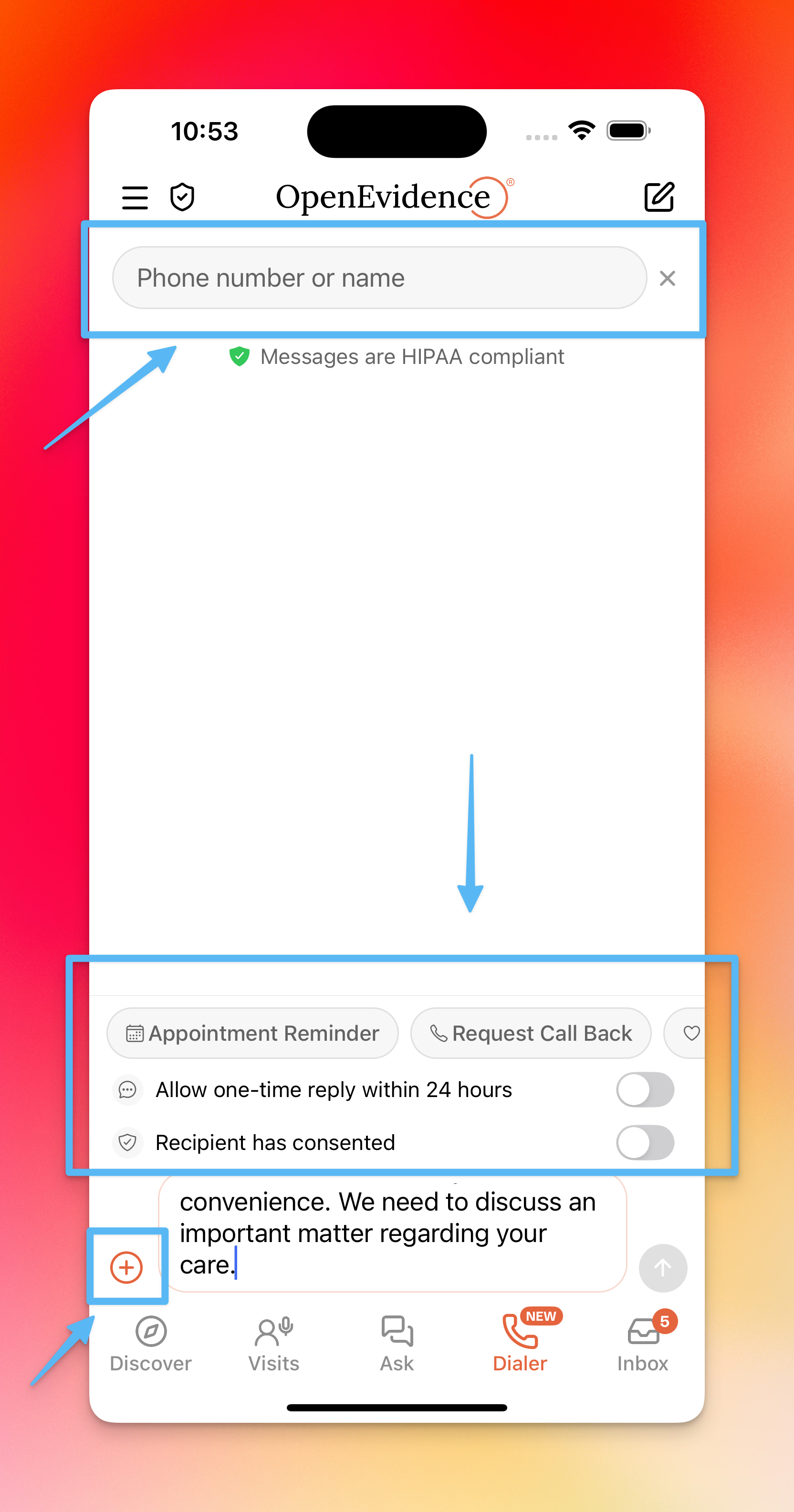
To find a recipient, you can:
- Type a name if you have synced contacts
- Select a patient created in OpenEvidence who has a phone number on file
Sending messages
A few default message templates are available to get started. Tap the + icon on the bottom left to add attachments.
Messages are one-sided by default. You can allow a one-time patient reply within 24 hours by enabling the toggle at the bottom of the screen.
Messages can only be sent after confirming patient consent — you must enable the consent toggle before sending.
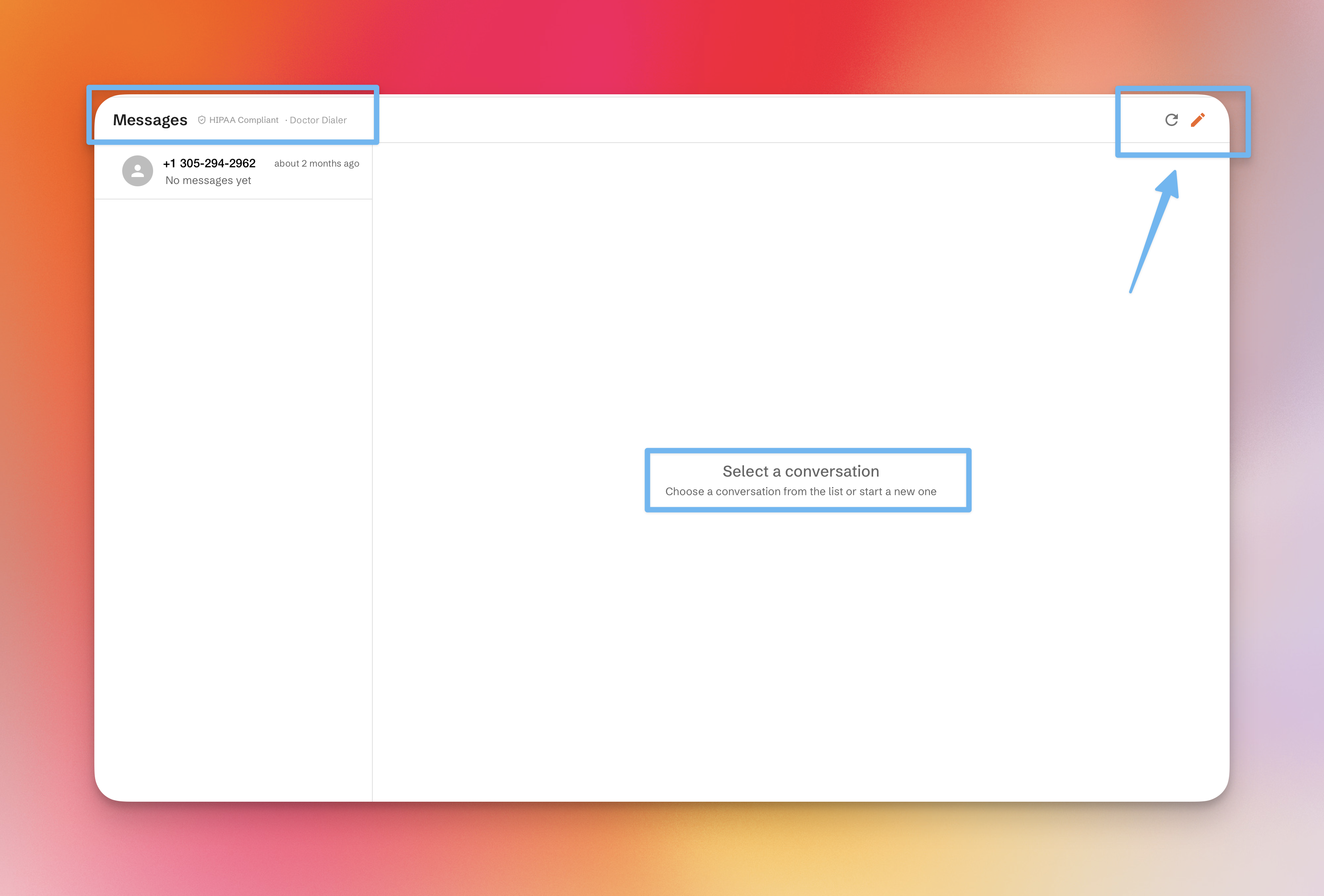
On the web
Web
Messaging is also available on the web, accessible from the sidebar under Tools.