User Guide Contents
Voices
Control the tone and formatting of generated notes.
Overview
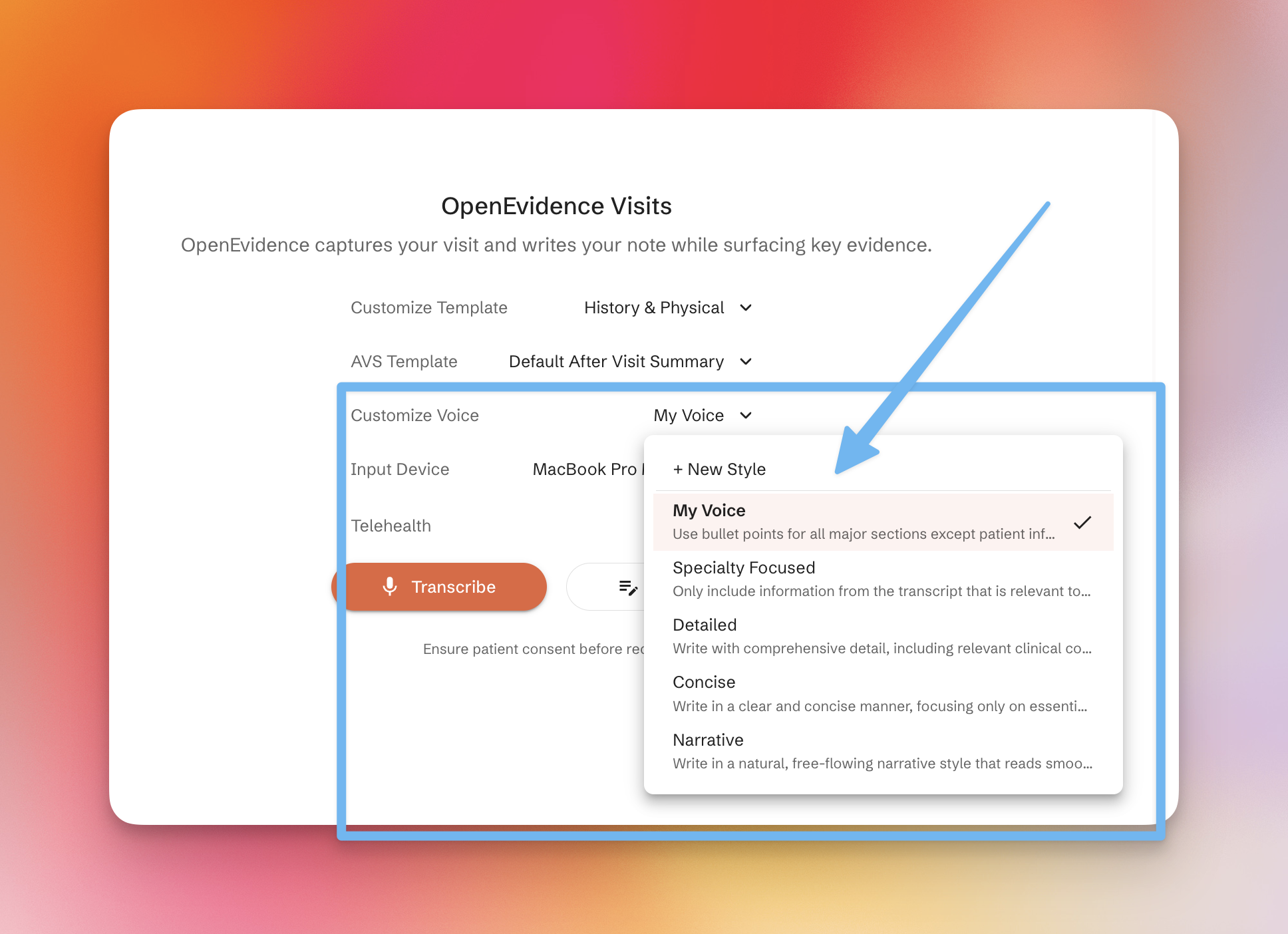
Default options include styles like "Concise" and "Professional." Create custom voices by selecting "New Style" before starting a visit.
What you can define
Use voices to define preferences such as:
- Formatting rules
- Tone and style
- Language conventions
Examples
- "Do not use dashes"
- "Add spacing between sections"
- "Refer to the patient in third person"
- "Format dates using full month names"